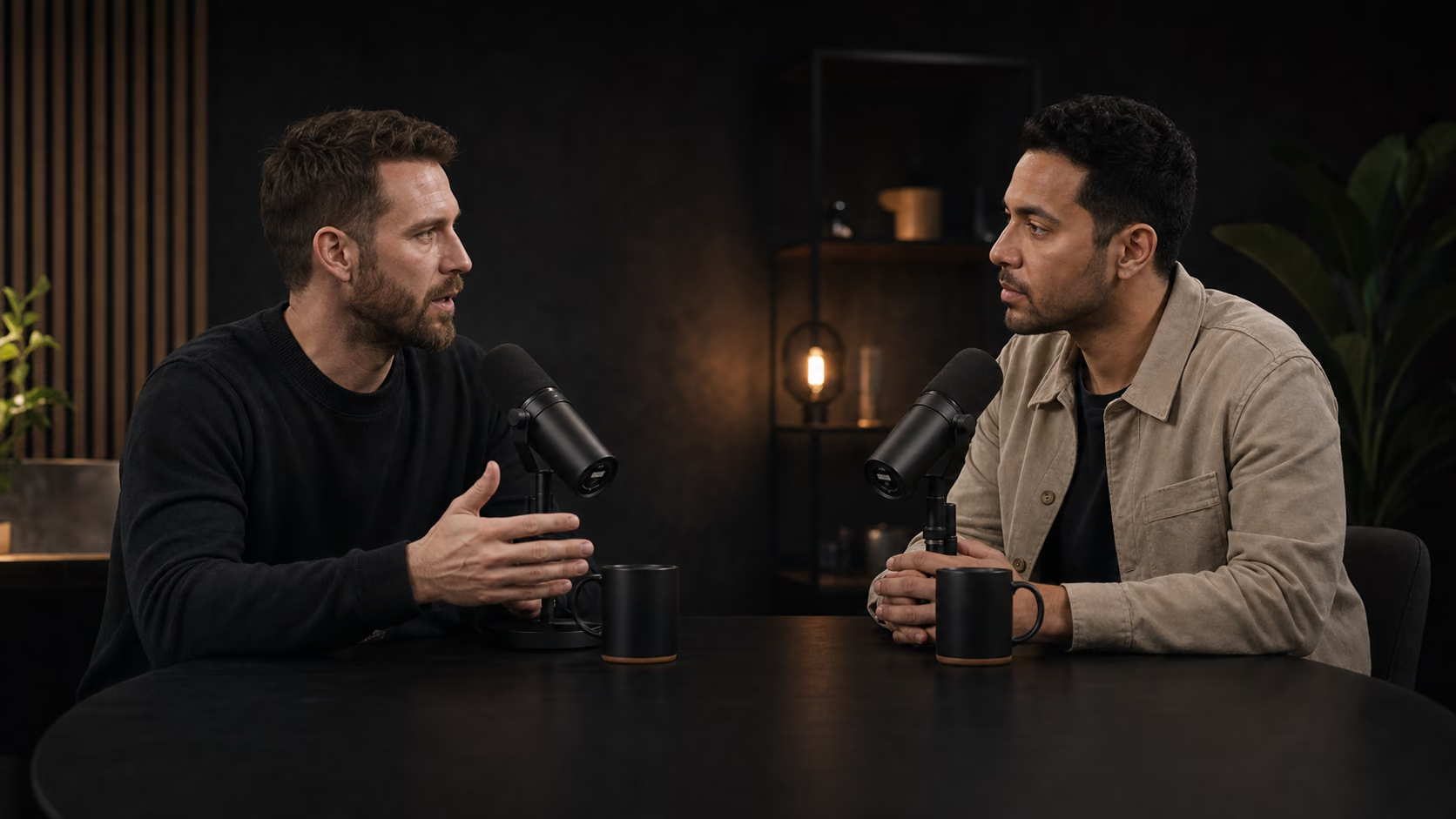
 Systems create freedom.
FROM LONG VIDEO TO THE MOMENTS THAT MATTER.
Your strongest short clips are already in the footage.
AI Video Clipper finds the clearest, most valuable moments in your long videos, reframes them for vertical viewing, adds readable captions, and returns publish-ready clips in one durable workspace.
Free beta · Five videos per month · Private to your account
SOURCE VIDEO · 52:26
PUBLISH-READY CLIPS
CHAPTER 01
What an AI video clipper actually does.
AI Video Clipper turns a speech-led source into a smaller set of complete short videos. It uses the transcript to find distinct ideas, cuts the original footage, reframes it vertically, and adds readable captions. The result is a finished MP4 with synchronized source audio—not a list of timestamps that still needs another editing session.
Complete ideas
Candidates need a clear opening, useful point, and natural ending outside the full timeline.
Quality over quota
Similar or incomplete candidates are removed instead of padding every job to a fixed count.
Reviewable output
Preview the clip, transcript, caption text, score, and title together before downloading.
CHAPTER 02
From one source to finished clips.
Add one public direct MP4 URL or upload one video. AI builds a timestamped transcript, selects strong moments, then renders the original picture and audio into captioned 9:16 clips.
Add one source
Use a direct MP4 link or upload from your device.
Find distinct moments
Transcript context guides boundaries, ranking, and deduplication.
Review finished clips
Return to a durable job page with previews, captions, and downloads.
CHAPTER 03
What comes back.
A completed job opens as a real results workspace. Every clip can be previewed in place, understood before download, and traced back to the job that created it.
Jobs/jobs/GSFC_20190227_M13153READY
CLIP 01 · 00:57
Systems create freedom.
Strong opening hook with a complete, shareable idea.
“Systems create freedom because they remove decisions. When you build the right systems, you stop wasting time on small choices and focus on the work that matters most.”
Full transcript
The complete timestamped transcript remains with the job, making it easy to verify the wording and reuse the caption text.
96/100Highlight score
The job has its own durable URL, so you can leave during rendering and return to the same clips, scores, transcripts, caption text, and downloads.
CHAPTER 04
Built around the videos creators already make.
Different long-form formats have different rhythms. The selection process looks for complete ideas that work outside the original timeline while preserving what the speaker actually meant.
PODCASTS
Turn complete conversations into clips people can follow.
Find self-contained ideas with a clear opening and payoff. Each candidate keeps enough context to make sense to someone discovering the show for the first time.
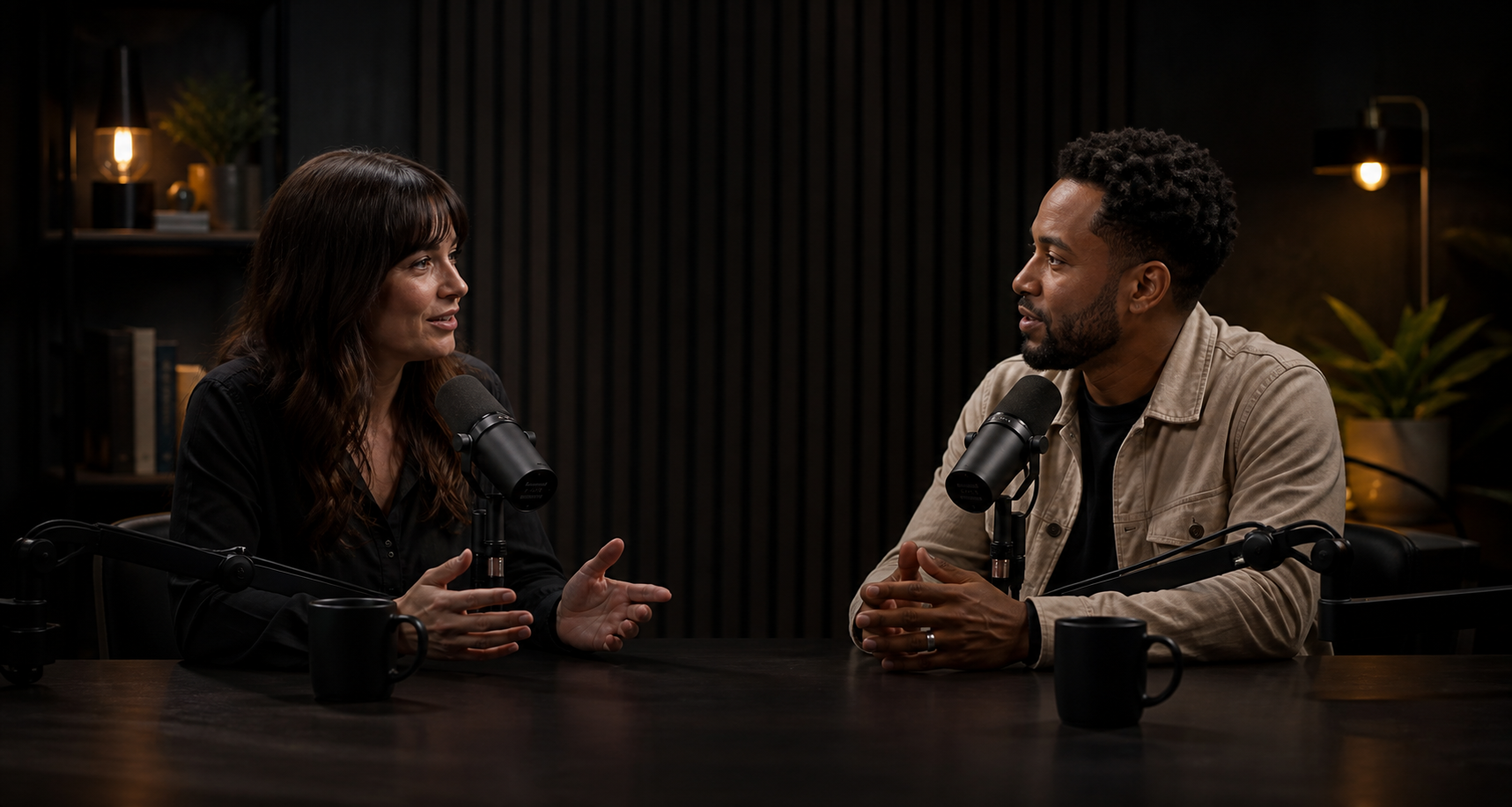
- Preserve the speaker's meaning
- Keep multi-person framing readable
YOUTUBE CREATORS
Give every long-form upload more ways to travel.
Reuse the strongest hooks, explanations, and conclusions in an existing content library. Clips are shaped to stand alone while creating a reason to watch the complete video.

- Find hooks beyond the opening
- Prepare mobile-first clips with captions
INTERVIEWS
Keep the answer and remove the time spent finding it.
Turn founder, customer, or expert answers into focused clips without stripping away the question, caveat, or qualifier that makes the answer accurate.
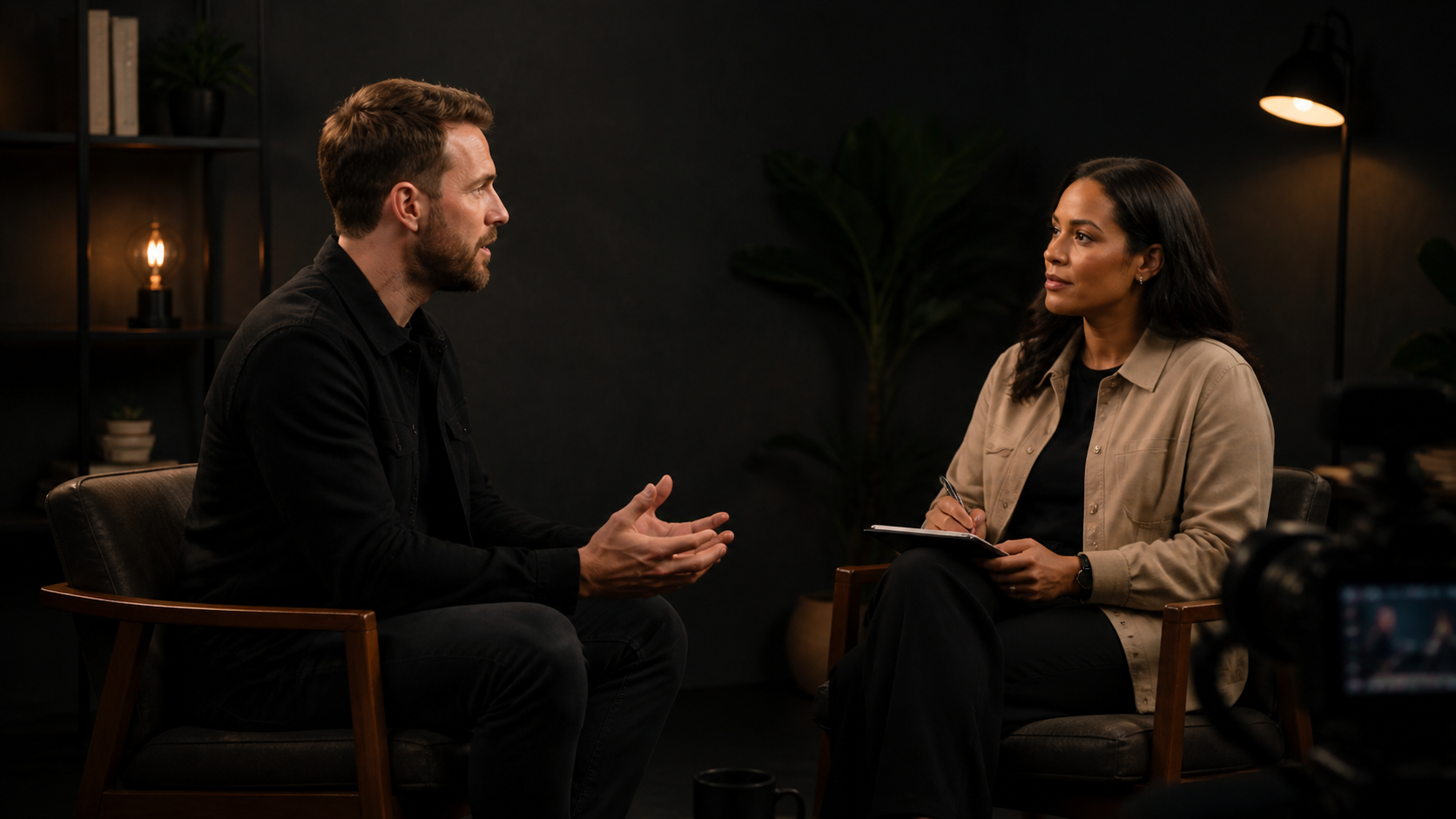
- Select complete answers
- Review wording before publishing
AI VIDEO CLIPPER FAQ
Common questions before you upload.
Clear answers about the sources, processing, output, privacy, and limits of the current product.
What video sources can I use?
Use one public HTTPS URL that points directly to an MP4 file, or upload one video from your device. The two source options are mutually exclusive. Free Beta accepts speech-led sources up to 30 minutes and uploads up to 1 GB.
What kinds of video work best?
Podcasts, interviews, tutorials, commentary, webinars, and other recordings with clear speech work best. The current workflow uses a timestamped transcript to understand ideas, so music videos, silent footage, and visual-only action are not a strong fit.
How many clips will I receive?
The number depends on the source. AI keeps only distinct, high-confidence moments and may return fewer clips when the recording contains repeated or incomplete ideas. Automatic selection favors a useful review queue over a fixed quota.
What does each finished clip include?
Each result includes an inline 9:16 video preview, title, duration, highlight score, transcript, burned-in captions, and MP4 download. The original source audio is cut with the picture and kept synchronized; it is not replaced by a generated voice.
Are my videos public?
No. Uploads, transcripts, job metadata, and generated clips are scoped to the signed-in account that created them. Results stay on a durable private job route until you delete the job or your account. See the Privacy page for data-handling details.
YOUR NEXT SHORT IS ALREADY IN THE FOOTAGE
Ready to turn one video into your strongest clips?
Paste a direct MP4 link or upload your video. AI Video Clipper will handle the transcript, selection, reframing, captions, and render.